Looking for a live cam of Ocean Beach, San Diego? Start with the Ocean Beach MainStreet Association’s beach camera, then compare La Jolla views from Scripps and local waterfront venues. San Diego beach webcams are useful for a quick look at fog, daylight and the general shape of the surf. They are not a substitute for water-quality notices, tide predictions, lifeguard advice or a direct assessment when you arrive.
Ocean Beach live beach cam
The Ocean Beach MainStreet Association’s OB Beach Cam is the direct operator page to bookmark for Ocean Beach. The organization explains that viewers may occasionally be prompted to reconnect in the center of the player. If an image stops moving, try that control before deciding the camera is permanently offline.
Keep the view’s limits in mind. One camera does not show every Ocean Beach access point, the full shoreline or every approaching set of waves. A quiet frame is not proof that the whole beach is calm. Use the page to get oriented, then check official conditions separately. A screenshot shared elsewhere may be old even if the original camera is live.
La Jolla beach camera: Scripps Pier
The Scripps Institution of Oceanography pier-camera page provides views associated with Scripps Memorial Pier and La Jolla Shores. This is a useful source because the institution identifies the camera locations and includes related ocean information. The page also carries equipment notices when an individual camera needs service.
Do not assume every panel on the page is a panoramic beach webcam. Scripps lists a La Jolla Shores view, an underwater camera beneath the pier and an osprey camera. Each serves a different purpose. The underwater view can be interesting for observing marine life, but it cannot tell you whether the dry sand near your chosen beach entrance is crowded or whether an accessible path is clear.
La Jolla Shores Hotel beach cam
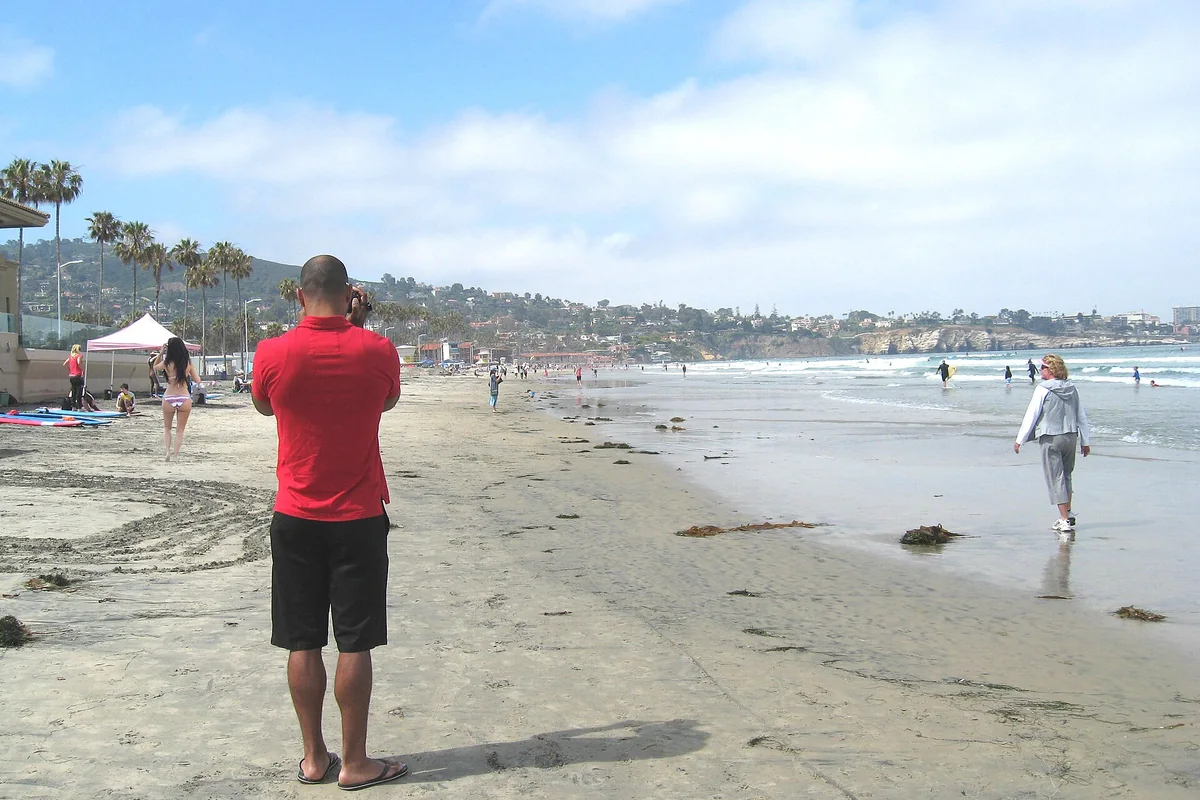
The La Jolla Shores Hotel beach cam is another direct source for the Shores. Its operator describes the view as facing north toward Scripps Pier. That direction matters when you compare it with another La Jolla beach web cam: two cameras may show the same general beach from very different angles.
Use recognizable landmarks to understand which part of the shoreline you are seeing. A camera looking along the beach can compress distance, making people and breaking waves look closer together than they are. It is useful for a broad impression of the light and beach activity, but not for measuring a safe swimming area, the height of a wave or the distance to a rip current.
The Marine Room’s La Jolla beach webcam
The Marine Room beach-cam page provides a further operator-run La Jolla view. Because it is associated with a waterfront venue, it is worth checking alongside the Shores and Scripps perspectives rather than treating one view as a complete picture of La Jolla.
The visible relationship between water and shoreline can change dramatically with the tide and swell. A view with very little exposed beach should prompt a closer look at official tide and surf information before a shoreline walk. It is not a cue to try a more difficult access route. A camera also cannot guarantee the conditions on the walk back, especially if the tide will be higher later.
What about a Sunset Cliffs webcam?
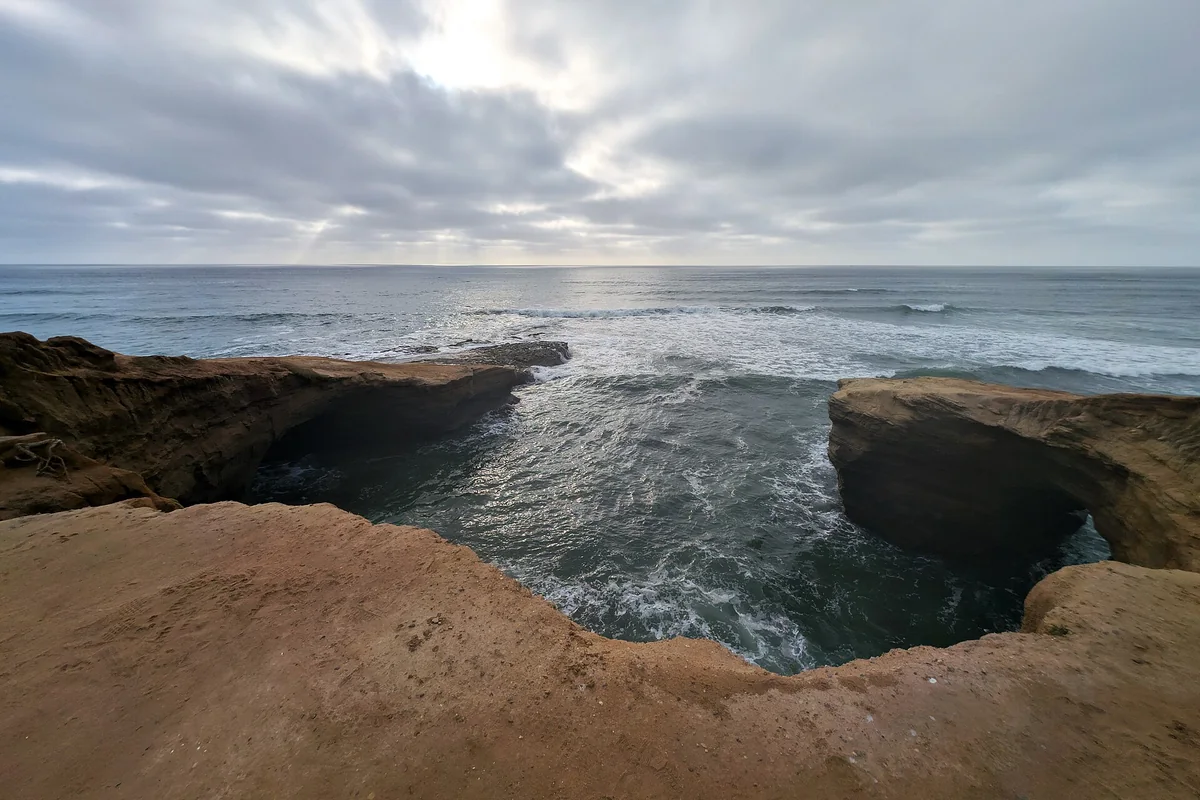
A verified, continuously available direct Sunset Cliffs camera was not established for this guide. Rather than sending you to an unlabeled stream or embedding an unreliable player, use the City of San Diego’s park information and official tide and surf resources. Ocean Beach is nearby, but its camera is not a substitute for seeing the conditions at a particular Sunset Cliffs access point.
The difference is important because a sheltered-looking angle can hide breaking waves against a cliff or a beach that is disappearing under an incoming tide. For the physical access and king-tide issues, read the Sunset Cliffs tide guide. Do not assume that a beach is passable because another location a short distance away looks sunny and calm.
How to tell whether a beach cam is actually live
Look for movement in more than one part of the scene: people, whitewater, flags or passing vehicles. A timestamp, when present, should agree with the local day and time. If the picture shows bright daylight at night, pause before relying on it. Archived highlights and promotional clips can resemble live views when they are displayed without context.
If a player freezes, refresh the operator page and check for a reconnect prompt or a maintenance notice. Some views require cookies, a player service or a different browser setting. A failure to load does not mean the beach is closed. Keep the camera page bookmarked rather than a third-party embed, so that any notice from the operator remains visible.
Use webcams with tide and surf forecasts
A San Diego live beach cam shows a moment; a tide prediction helps you plan the hours around it. Check the NOAA La Jolla tide predictions for your intended date and note whether the water level is rising or falling during the visit. Predictions do not describe the reach of an individual breaking wave.
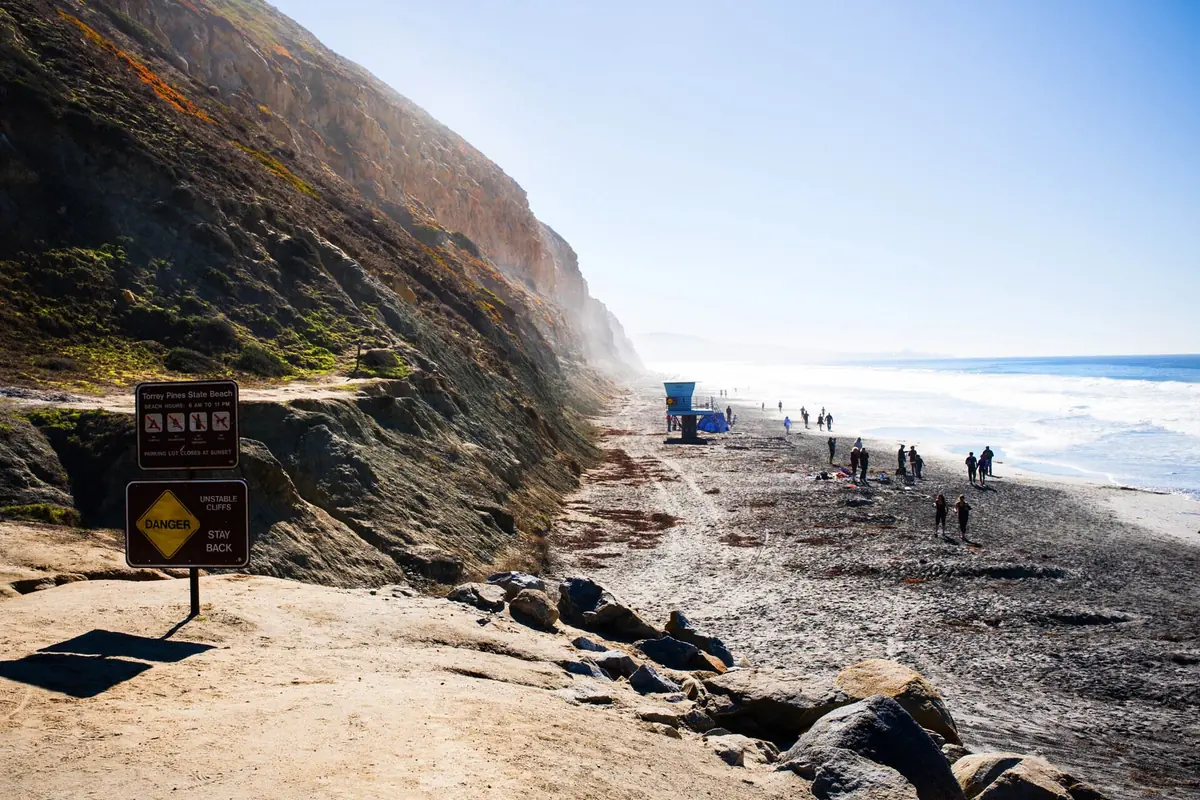
Also check the National Weather Service San Diego forecast for surf and coastal hazards. A low tide combined with large surf can still be unsuitable for tide pooling or a cliff-backed walk. If you are planning a visit to Torrey Pines Beach, for example, the amount of safe sand between water and bluff matters more than whether the camera elsewhere looks inviting.
Water quality, lifeguards and swimming
A clear-looking camera image cannot establish clean water. Before entering the ocean or bay, use San Diego County beach water-quality information and respect posted advisories and closures at the beach. Water can look attractive while a health notice remains in effect. Do not use color, visibility or the presence of other swimmers as a substitute for that check.
Likewise, a lifeguard building in a frame does not prove that a particular stretch is staffed at that moment. Ask lifeguards about designated swimming and surfing zones when you arrive. If there are warning flags, announcements or instructions to leave the water, follow those directions even when the online view looked manageable earlier.
A practical pre-beach camera routine
First choose the actual beach and access point, not just the nicest-looking stream. Open the nearest reliable operator view, check that the image is current and note the light, broad surf pattern and visible activity. Then check tide direction, coastal weather alerts and water quality. Finally, read the beach’s official access or closure notice.
Save the information you need before leaving, but reassess on arrival. The camera can help you choose between an ocean outing, a bay walk or a different time of day; it should never commit you to entering unsafe water. If the feed is down, the rest of this routine still works. A missing webcam is an inconvenience, not a missing safety system.
Bookmark the operator, not a copied stream
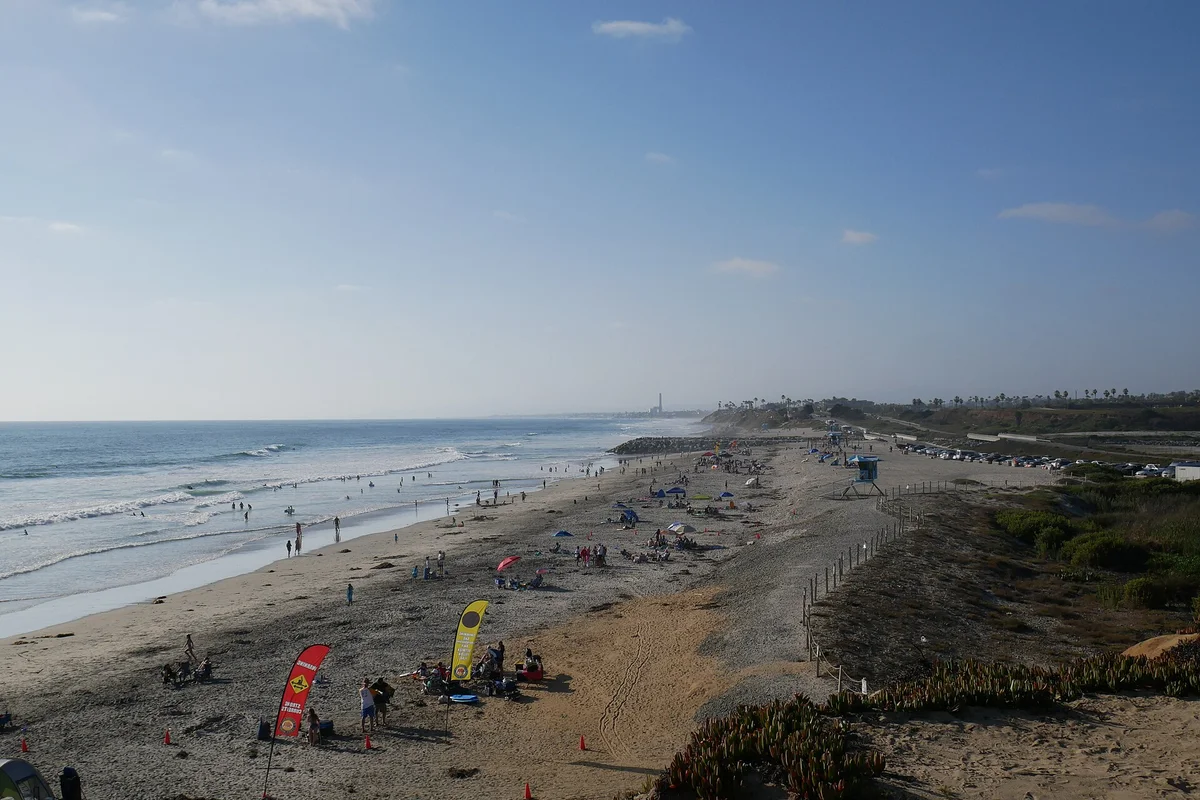
A direct operator page is the most useful bookmark because it can carry service notices, location details and player instructions alongside the image. Reposted videos can lose that context. Share the page link when sending a view to friends, and label it with the actual beach rather than simply “San Diego.” This directory links to cameras rather than promising that an embedded player will remain available. The photograph accompanying this guide is a shoreline photograph, not a live feed or a current-conditions image.
Questions before you go
Is there a live Ocean Beach camera?
The Ocean Beach MainStreet Association operates an OB Beach Cam page. Availability can change, and the player may ask you to reconnect.
Can a beach webcam tell me whether it is safe to swim?
No. Check official surf forecasts, water-quality notices and lifeguard instructions. A camera only shows a limited view at a particular moment.
Sources & further reading
Official information and references for this guide. Check the source for current access, rules and conditions.